
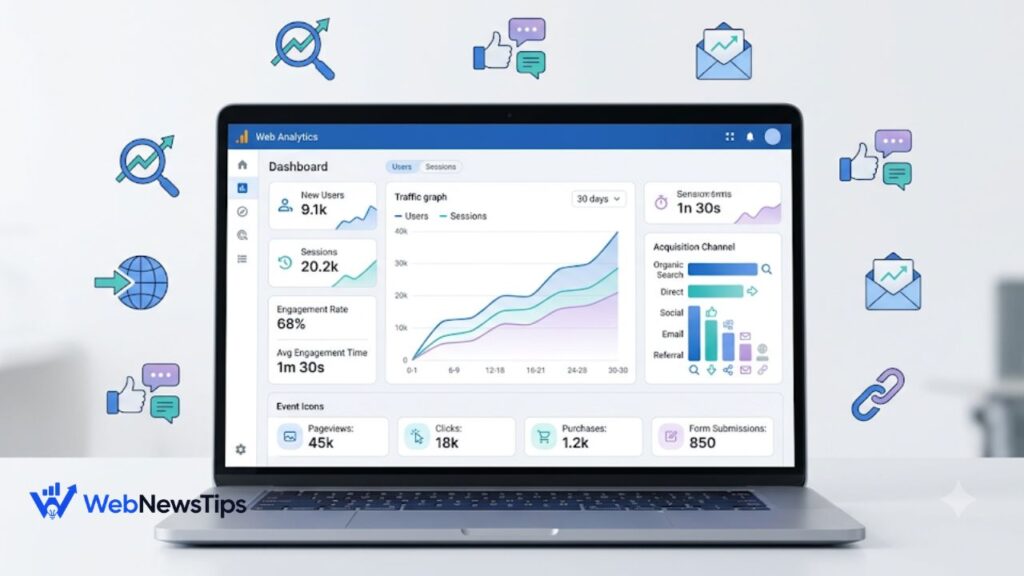
Google Analytics can feel overwhelming the first time you open it. The screen is full of charts, channels, events, users, sessions, and numbers that seem to say a lot without telling you what to do next. The good news is that beginners do not need to understand every report in GA4. You only need to learn a few core ideas: who visits your website, how they arrived, what they did, and whether those visits helped your business or content goals.
This Google Analytics 4 guide explains those basics in plain language. We will focus on events, users, sessions, traffic sources, and acquisition reports, then build a simple custom acquisition report you can actually use. If you are also learning how online channels work together, the WebNewsTips digital marketing guides are a useful companion because analytics becomes much easier when you understand the purpose of SEO, content, social, and email traffic.
What Is Google Analytics 4?
Google Analytics 4, usually called GA4, is Google’s current analytics platform for measuring activity on websites and apps. It helps you understand how people find your site and what they do after arriving. Instead of organizing most tracking around pageviews alone, GA4 uses an event-based measurement model. That means important actions such as viewing a page, clicking a link, starting a session, scrolling, or submitting a form can be recorded as events.
Think of GA4 like a shop assistant quietly keeping notes. One person enters from Google Search, reads two pages, clicks a pricing link, and leaves. Another arrives from an email, reads one article, completes a form, and returns three days later. GA4 turns those actions into data so you can compare traffic sources and see which content or campaigns deserve more attention.
The Four GA4 Ideas Beginners Should Learn First
1. Users
A user is a person who interacts with your website or app. GA4 includes several user metrics, so beginners may see numbers such as Total users, Active users, and New users. For everyday website monitoring, focus mainly on active and new users. New users tell you how many people are discovering you for the first time, while active-user metrics help show the audience that actually engaged with your site during the selected period.
2. Sessions
A session is a period in which a user interacts with your website or app. By default, a session times out after 30 minutes of inactivity. One person can create several sessions. For example, someone may read your blog in the morning, return after lunch, and visit again next week. That is one user with multiple sessions. This distinction matters because Traffic Acquisition is session-focused, while User Acquisition is focused on how new users were first acquired.
GA4 also uses engaged sessions. An engaged session is one that lasts longer than 10 seconds, includes a key event, or includes at least two page or screen views. This is often more useful than simply counting visits because it gives you a clue about whether the visitor did something meaningful.
3. Events
Events are the actions GA4 records. Common examples include page_view, session_start, first_visit, scroll, click, file_download, and form interactions. Some events are collected automatically. Enhanced Measurement can also collect useful website interactions such as scrolls, outbound clicks, site search, video engagement, and file downloads without requiring you to add separate code for each one.
Do not track everything just because you can. A useful event should answer a question. If you run a blog, you may care about article views, deep scrolls, outbound clicks, newsletter sign-ups, and downloads. If you run a service business, form submissions and contact actions may matter more. If content performance is a major goal, pair GA4 data with a clear content strategy so you can judge which pages attract attention and which pages move readers toward action. WebNewsTips has a beginner-friendly guide to content marketing that explains this connection.
4. Key Events
A key event is an event that represents an action especially important to your goals. This is the current GA4 term for important business actions that you want highlighted in Analytics reporting. A lead form submission, purchase, account registration, appointment request, or newsletter sign-up can be marked as a key event when it matters to your site.
For a beginner, the simplest rule is this: events describe what happened; key events highlight what mattered most. You may record thousands of page views, but a smaller number of lead submissions might be the number that actually determines whether your marketing worked.
How to Check Website Traffic in GA4
Once your GA4 property is collecting data, start with Reports rather than jumping into advanced Explorations. The standard reports can answer most beginner questions. Choose a useful date range, such as the last 28 days, and compare it with the previous period when possible. Avoid judging performance from one or two days because traffic naturally moves up and down.
Start by checking overall users and sessions, then move to Acquisition. Look for the channels bringing visitors, such as Organic Search, Direct, Referral, Organic Social, Paid Search, or Email. After that, compare engagement and key events. A channel with fewer sessions but a strong engagement rate and more key events may be more valuable than a channel sending a large amount of low-quality traffic.
User Acquisition vs. Traffic Acquisition
This is one of the most common GA4 beginner mistakes. The reports sound similar, but they answer different questions.
- User Acquisition asks: How did new users first discover my website or app?
- Traffic Acquisition asks: Where did the sessions in this period come from, including visits from new and returning users?
Imagine Sara first discovers your website through Google Search. A week later she clicks a link in your newsletter and comes back. User Acquisition still helps you understand that Google was her first acquisition source. Traffic Acquisition can show the later email-driven session because it looks at the source of sessions. That is why the same channel can show different numbers in these two reports.
For day-to-day marketing checks, Traffic Acquisition is often the easiest place to start. For understanding which channels bring genuinely new people into your audience, use User Acquisition. If email becomes an important returning-visitor channel, you can also compare your GA4 results with the practical steps in WebNewsTips’ email marketing guide for beginners.
Which Traffic Metrics Actually Matter?
Beginners often stare at total traffic and miss the more useful story. Use a small scorecard rather than dozens of metrics:
- Users: How many people interacted with the site?
- New users: How many first-time visitors did you attract?
- Sessions: How many visits started?
- Engaged sessions and engagement rate: Did visitors meaningfully interact?
- Average engagement time: Did people spend real attention on the site?
- Key events: Did visitors complete actions important to your goals?
The right interpretation depends on the page. A quick contact page may not need a long engagement time if visitors immediately call or submit a form. A 2,000-word tutorial should normally hold attention longer. Analytics works best when you compare each metric with the purpose of the page rather than chasing one universal benchmark.
How to Build a Simple Custom Acquisition Report
Standard acquisition reports are enough for many sites, but GA4 also lets Editors and Administrators create or customize detail reports. A simple custom acquisition report can keep the most important traffic information in one place instead of making you switch between several screens.
1. Open Reports and go to Library at the bottom of the report navigation. If you cannot see Library, your account may not have the required Editor or Administrator permission.
2. Create a new detail report. You can start from a blank report or use a relevant report template.
3. Choose a session-based acquisition dimension such as Session default channel group, Session source / medium, or Session campaign when your goal is to analyze visits.
4. Add practical metrics such as Sessions, Total users or Active users, Engaged sessions, Engagement rate, Average engagement time per session, Key events, and Total revenue if your site tracks ecommerce.
5. Add a filter only when it solves a real question. For example, you might create a report focused on organic search traffic, a specific country, or a campaign group.
6. Save the report with a clear name such as Website Traffic by Source or Marketing Acquisition Performance. You can then add it to a published report collection if your team needs easy access from the left navigation.
The most important choice is scope. Use session-scoped dimensions when the question is about where visits came from. Use first-user dimensions when the question is about how new people were originally acquired. Mixing scopes without understanding them can make an otherwise neat report confusing.
How to Use GA4 for SEO, Social, and Email Traffic
GA4 becomes more useful when you connect the numbers to actual marketing work. For SEO, watch Organic Search sessions, landing-page performance, engagement, and key events. A page that ranks and attracts visitors but produces almost no meaningful engagement may need a better introduction, clearer search intent match, stronger internal links, or a more relevant call to action.
For social media, do not judge success only by likes on the platform. Check whether social visitors reach your website, stay engaged, and complete useful actions. Consistent campaign tagging can also make traffic easier to identify. If social is one of your growth channels, these social media marketing tips can help you improve what happens before the click and GA4 can show what happens after it.
For email, use properly tagged links so campaigns are easier to separate in acquisition reports. Compare sessions, engagement, and key events from newsletters or promotions. Email may generate less total traffic than search but still produce highly engaged returning visitors, which is why channel quality matters more than raw visit volume.
Common GA4 Mistakes Beginners Should Avoid
- Looking only at total sessions and calling growth successful without checking engagement or key events.
- Confusing User Acquisition with Traffic Acquisition and expecting the numbers to match.
- Marking too many ordinary events as key events until the important actions are buried in noise.
- Ignoring campaign tagging, which can leave marketing visits grouped under unclear or direct traffic.
- Making decisions from tiny date ranges instead of comparing meaningful periods.
- Collecting data without checking privacy requirements or accidentally sending personally identifiable information to Analytics.
A Simple Weekly GA4 Routine for Beginners
You do not need to live inside Analytics. A focused 15-minute weekly check is enough for many small websites and blogs.
1. Check users and sessions for the last 7 or 28 days and compare them with the previous period.
2. Open Traffic Acquisition and identify the channels or source/medium combinations driving sessions.
3. Compare engagement rate, engaged sessions, and key events instead of ranking channels by traffic alone.
4. Review landing pages that gained or lost noticeable traffic and ask what changed.
5. Write down one action to take, such as improving a high-traffic page, fixing campaign tags, or promoting content that already converts well.
That final step matters most. Analytics is not valuable because it produces charts. It is valuable because it helps you make a better decision. One useful change every week will usually do more for a website than collecting dozens of reports that nobody acts on.
Final Thoughts
GA4 becomes much less intimidating when you stop trying to learn every menu at once. Begin with users, sessions, events, and key events. Then learn the difference between User Acquisition and Traffic Acquisition. Once those ideas make sense, build a small custom acquisition report around the traffic sources and outcomes that matter to your website.
The goal is to answer practical questions with confidence: Where are visitors coming from? Are they engaging? Which pages and channels bring valuable actions? When you can answer those three questions regularly, Google Analytics 4 stops feeling like a wall of numbers and starts becoming a useful guide for smarter website growth.