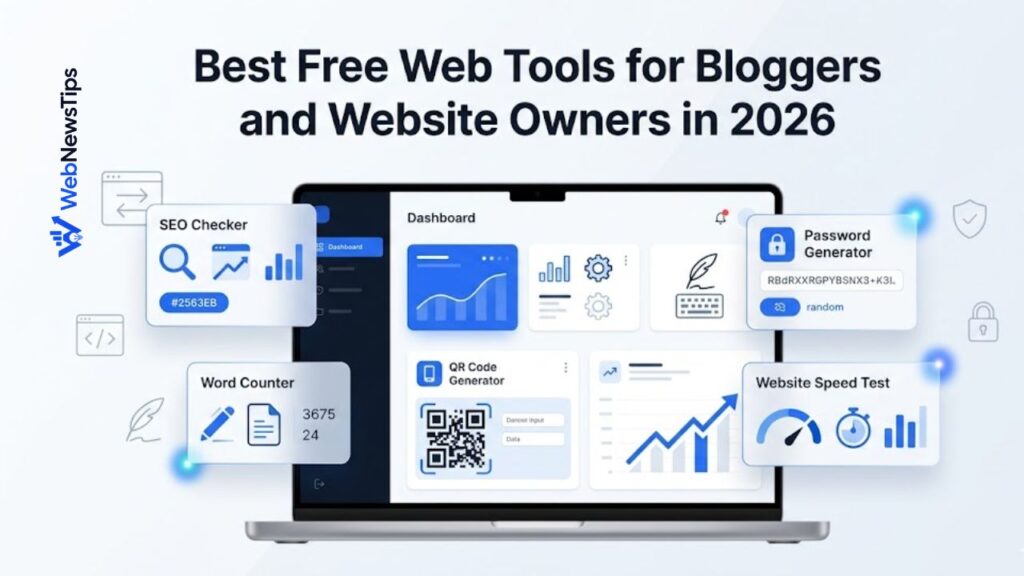
Running a website is easier when you use the right tools. A blogger needs tools for writing, editing, SEO, formatting, speed checks, content planning, security, and daily website tasks. A small business owner may also need tools for QR codes, passwords, page titles, descriptions, and online marketing assets.
The good news is that many useful web tools are free or easy to access. You do not need a complicated software stack to start improving your website. With a few simple tools, you can save time, publish better content, keep your website organized, and make smarter decisions.
In this guide, you will learn what web tools are, why they matter, and which types of tools are useful for bloggers, freelancers, WordPress users, and small business website owners in 2026.
What Are Web Tools?
Web tools are online utilities that help you complete specific website or content tasks directly from your browser. Instead of installing heavy software, you can open a tool, add your input, get a result, and continue working.
Some web tools help you write content. Some help you check SEO details. Some help you format text, generate QR codes, create passwords, test performance, or organize website links. The best tools are simple, fast, and focused on one clear job.
Why Free Web Tools Matter for Website Owners
A website owner usually has many small tasks to handle. You may need to create a blog title, shorten a meta description, check word count, generate a URL slug, scan content for keyword usage, or make a QR code for a landing page. These tasks are not difficult, but doing them manually again and again can waste time.
Free web tools make these tasks faster. They also help beginners learn important website concepts by using simple examples. For example, a slug generator teaches you how clean URLs work, while a title checker helps you understand why title length matters for SEO snippets.
Best Types of Free Web Tools to Use in 2026
1. Content Idea and Title Tools
Content creation starts with a useful topic and a strong title. Title tools and idea generators can help bloggers overcome blank-page problems and plan content faster.
On WebNewsTips, you can start with the AI Title Generator to create headline ideas for blog posts, guides, list posts, reviews, and SEO articles. You can also use the Blog Idea Generator when you need new topic ideas for your niche.
These tools are helpful because they give you options. You should not copy every suggestion blindly. Instead, use the ideas as a starting point, then adjust the title based on your audience, keyword, and search intent.
2. SEO Tools
SEO tools help you make your content easier for search engines and readers to understand. Basic SEO tools can check title length, create meta descriptions, review keyword usage, and generate clean slugs.
For example, you can use the SEO Title Checker before publishing a post. You can use the Meta Description Generator to draft a short page summary. If you are editing content, the Keyword Density Checker can help you review keyword usage without overstuffing.
SEO tools do not guarantee rankings, but they help you avoid basic mistakes and improve your publishing workflow.
3. Writing and Text Tools
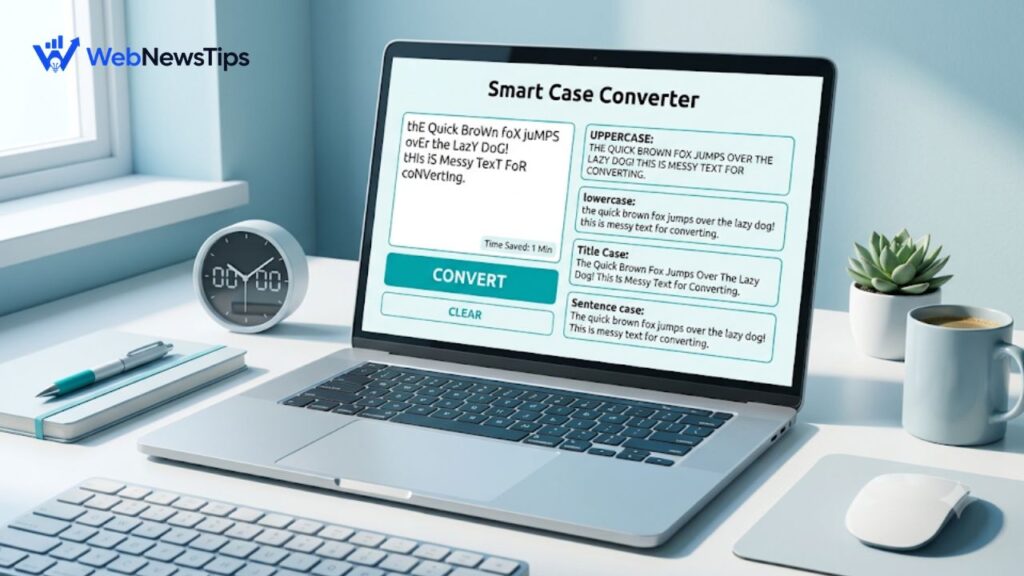
Writing tools are useful for bloggers, students, freelancers, and marketers. A word counter helps you check article length. A character counter helps with titles, meta descriptions, bios, and captions. A case converter helps you fix messy text formatting.
You can use the Word Counter to check article length, the Character Counter for short text limits, and the Case Converter to format headings, titles, and copied text quickly.
These tools are simple, but they can improve your editing speed and help you publish cleaner content.
4. Website Utility Tools
Utility tools help with practical website tasks. A QR code generator can turn a landing page or contact page into a scannable code. A password generator can create stronger passwords for website accounts, admin panels, hosting, and email tools.
Try the QR Code Generator when you want to share a page in print material, flyers, business cards, or offline promotions. Use the Password Generator when you need a stronger password for online accounts.
A useful habit is to test every QR code before sharing it and store generated passwords in a trusted password manager.
5. Website Speed and Performance Tools
Website performance matters because slow pages can frustrate visitors. Speed tools help you find problems with loading, images, scripts, and mobile performance.
One helpful external tool is Google PageSpeed Insights. You can enter a page URL and review performance suggestions for your website. Use it after publishing important pages, especially your homepage, category pages, tool pages, and landing pages.
Do not panic if your score is not perfect. Start with simple improvements such as compressing images, using caching, removing unnecessary scripts, and keeping your WordPress theme and plugins clean.
How to Choose the Right Web Tools
Not every tool is worth using. Some tools are useful, while others are slow, cluttered, or confusing. Choose tools that save time and fit your workflow.
- Choose tools with a clear purpose.
- Prefer tools that are fast and easy to use.
- Avoid entering private or sensitive information into unknown tools.
- Use tool results as drafts, not final truth.
- Keep your most-used tools bookmarked for faster access.
A good tool should make your work easier. If a tool creates more confusion than value, remove it from your workflow.
A Simple Web Tools Workflow for Bloggers
Here is a simple workflow you can follow when creating a new blog post:
- Use a blog idea generator to choose a useful topic.
- Use an AI title generator to create title options.
- Use a blog outline generator to plan sections and headings.
- Write the article and use a word counter to check length.
- Use an SEO title checker and meta description generator before publishing.
- Create a clean slug and add internal links to related pages.
- After publishing, test speed and review the page on mobile.
If you are building a blog from the beginning, also read the Blogging section and the SEO section on WebNewsTips for related guides.
A Simple Web Tools Workflow for Small Businesses
Small businesses can use web tools to improve website pages, marketing materials, and daily online tasks. For example, a service business can use a meta description generator for service pages, a QR code generator for flyers, and a password generator for admin accounts.
If your website runs on WordPress, combine free tools with the WordPress guides on WebNewsTips. This can help you improve your pages, plugins, performance, and basic website structure.
The goal is not to use every tool. The goal is to use the right tools at the right time.
Common Mistakes to Avoid
Web tools are helpful, but they should not replace your judgment. Avoid these common mistakes:
- Copying generated text without editing it.
- Using too many tools and slowing down your workflow.
- Ignoring security when generating or storing passwords.
- Publishing SEO titles or descriptions without checking readability.
- Depending only on tools instead of understanding your audience.
The best results come when you combine tools with clear thinking, useful content, and regular website improvements.
Final Thoughts
Free web tools can make website work easier for bloggers, freelancers, WordPress users, marketers, and small businesses. They help you plan content, improve SEO basics, format text, create useful assets, and manage daily tasks faster.
Start with the Free Tools hub on WebNewsTips. Pick one or two tools that match your current task, use them carefully, and build a simple workflow that saves time without reducing quality.
When used properly, free web tools can support better content, cleaner websites, stronger online security, and more organized website growth.