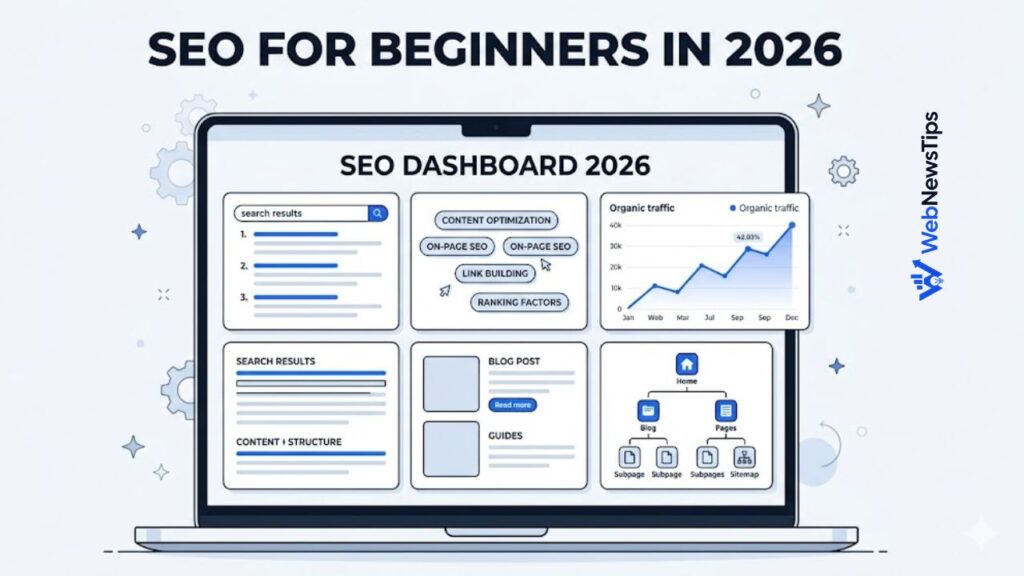
SEO for beginners can feel confusing at first, but the basics are simple: create useful content, organize your website clearly, help search engines understand your pages, and make your site easy for real people to use. You do not need to master every advanced SEO tactic before publishing your first helpful article or improving an existing page.
This beginner-friendly SEO guide is written for bloggers, WordPress users, freelancers, small businesses, and website owners who want a practical starting point. You will learn how SEO works, which parts matter most, and how to use simple WebNewsTips tools to improve your pages step by step.
Useful internal links: SEO Guides, Free Tools, SEO Title Checker, Meta Description Generator
What Is SEO?
SEO stands for Search Engine Optimization. It is the process of improving your website so search engines can understand your content and users can find helpful answers through search results. Google explains SEO as helping search engines understand content and helping users find your site through search. That is why SEO is not only about keywords; it is also about usefulness, structure, clarity, and trust.
A good SEO page usually has a clear topic, a helpful answer, a readable structure, a strong title, a clean URL, relevant internal links, and enough detail to satisfy the visitor. For a new website like WebNewsTips, SEO is especially useful because every page can support the larger site structure.
External resource: Google Search Central SEO Starter Guide is a helpful official starting point for learning SEO basics.
Why SEO Matters for Small Websites in 2026
Search is still one of the most valuable ways for people to discover helpful websites. If your site publishes guides, tool pages, reviews, tutorials, or business resources, SEO helps organize those pages so users and search engines understand what each page is about.
SEO matters because it can help you:
- Make your website easier to understand and navigate.
- Create content around real questions and search intent.
- Connect related pages through internal links.
- Improve titles, meta descriptions, URLs, headings, and content structure.
- Build a long-term content foundation instead of depending only on paid traffic.
1. Start with Search Intent, Not Just Keywords
Search intent means the reason behind a search. Before writing an article, ask what the reader actually wants. Are they trying to learn something, compare tools, solve a WordPress issue, create a free tool output, or buy a service?
For example, someone searching for “SEO title checker” probably wants a tool, not a long essay. Someone searching for “SEO for beginners” probably wants a simple guide. Someone searching for “best AI tools for blogging” may want comparisons, use cases, and practical recommendations.
For WebNewsTips, this means each page should match a clear purpose: tool pages should be easy to use, category posts should teach or guide, and pillar pages should organize related resources.
2. Choose Simple Keywords for Each Page
A beginner SEO mistake is trying to rank one page for too many unrelated keywords. Instead, choose one main focus keyword and a few related phrases. The focus keyword should describe the page clearly.
Examples for WebNewsTips:
- A tool page can focus on a keyword like “meta description generator” or “keyword density checker”.
- A guide can focus on a keyword like “SEO for beginners” or “WordPress SEO tips”.
- A category article can focus on broader phrases like “digital marketing for beginners” or “online business ideas”.
After choosing the keyword, use it naturally in the title, introduction, one or two headings, meta description, and URL slug. Do not repeat it unnaturally. If you want to review keyword usage, use the Keyword Density Checker before publishing.
3. Write a Clear SEO Title
Your SEO title is one of the first things people see in search results. A good title should be clear, relevant, and useful. It should tell readers what they will get from the page without sounding spammy.
Good SEO title examples:
- SEO for Beginners in 2026: Simple Website SEO Guide
- How to Write SEO Titles That Get More Clicks
- WordPress SEO Checklist for New Websites
Before publishing, check your title length and readability with the SEO Title Checker. This can help you avoid titles that are too long, too short, or unclear.
4. Create a Helpful Meta Description
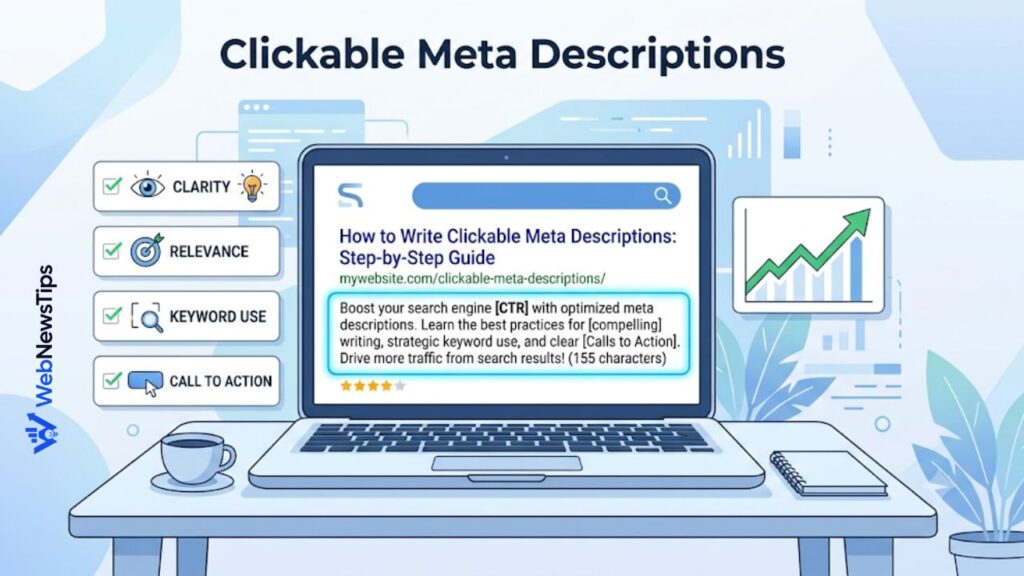
A meta description is the short summary that can appear under your page title in search results. It does not need to be complicated. It should explain what the page offers and why the reader should click.
A useful meta description often includes:
- The main topic of the page.
- A clear benefit for the reader.
- A natural version of the focus keyword.
- A simple reason to visit the page.
For faster writing, use the Meta Description Generator and then manually review the result before adding it to Rank Math.
5. Use Headings to Make Content Easy to Read
Headings help readers scan your content and help search engines understand your page structure. Use one H1 for the main article title. Then use H2 headings for main sections and H3 headings for supporting points.
For example, an article about SEO for beginners can include H2 headings such as keyword research, SEO titles, internal links, content quality, and technical SEO. This structure makes the article easier to read and easier to edit later.
6. Write Content for People First
Good SEO content should be written for people first. Google says its ranking systems are designed to prioritize helpful, reliable information created to benefit people, not content made mainly to manipulate search rankings. That means your content should answer the reader clearly, avoid fluff, and provide practical value.
For WebNewsTips, people-first content means:
- Explain topics in simple language.
- Give examples that match bloggers, freelancers, small businesses, and WordPress users.
- Link to useful tools when they help the reader complete a task.
- Avoid writing generic text that does not solve a real problem.
- Update important articles when information changes.
7. Use Clean and Short URLs
A clean URL helps users understand the page before they click. It also keeps your website structure simple. For example, a clear slug like /seo-for-beginners/ is better than a long URL with random numbers or extra words.
Use the Slug Generator to turn article titles into cleaner URLs. Keep slugs lowercase, short, readable, and focused on the main topic.
8. Build Internal Links Between Related Pages
Internal links connect one page of your website to another. They help users find related content and help search engines understand how your pages are connected. This is very important for a site like WebNewsTips because you have pillar pages, category posts, and tool pages.
Examples of useful internal links for this SEO article:
- Link to the SEO pillar page
- Link to the Free Tools hub
- Link to WordPress guides
- Link to Blogging tips
- Link to AI Tools
A strong internal linking structure keeps users moving through the website instead of leaving after one page.
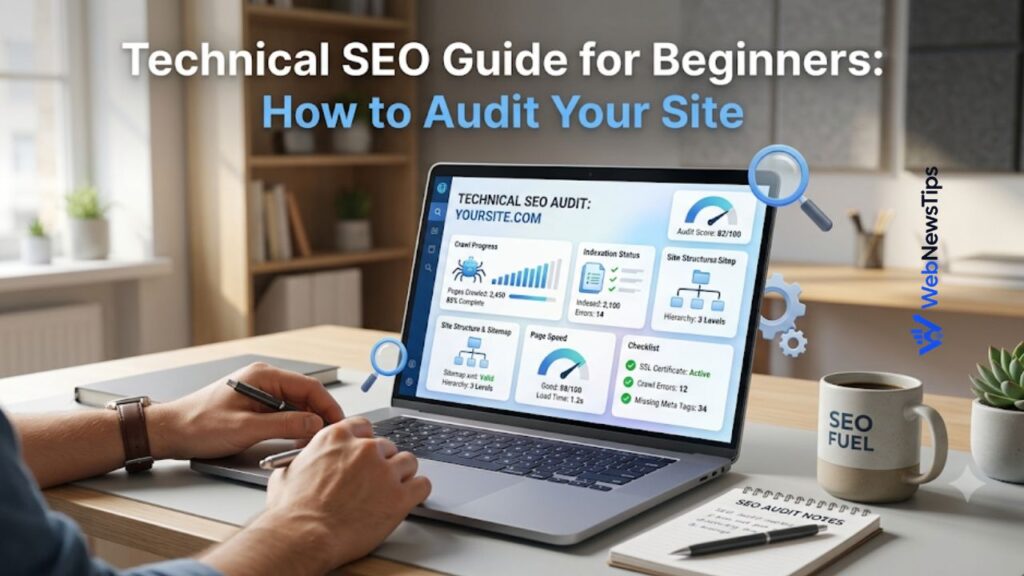
9. Learn Basic Technical SEO
Technical SEO helps search engines access and understand your website. Beginners do not need to start with advanced technical tasks, but they should understand the basics.
Basic technical SEO includes:
- Making sure important pages are indexable.
- Using a clean site structure.
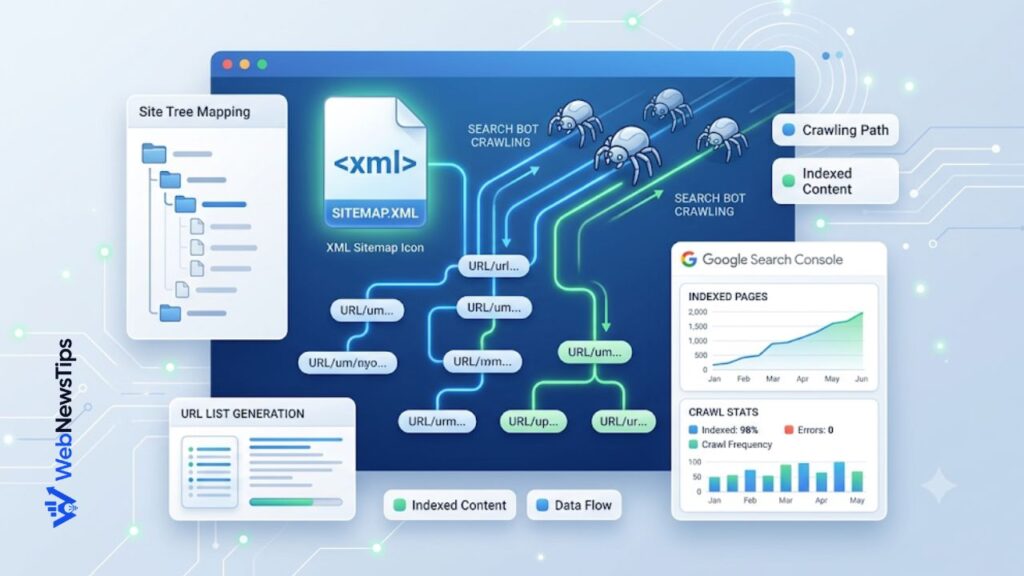
- Submitting a sitemap when needed.
- Using robots.txt carefully.
- Keeping the site mobile-friendly and fast.
- Avoiding broken links and unnecessary duplicate pages.
WebNewsTips already has useful tools for this workflow: the Robots.txt Generator and the Sitemap URL List Generator can help with basic planning and structure checks.
10. Update Content Regularly
SEO is not a one-time task. After publishing, review important pages from time to time. Update outdated examples, improve weak sections, add internal links, refresh titles, and expand content where readers need more help.
For example, if you publish an article about AI SEO tools, you may need to update it when tools change features, prices, or use cases. If you publish a WordPress SEO checklist, update it when plugins, settings, or best practices change.
A Simple SEO Workflow for WebNewsTips Readers
Here is a simple workflow a beginner can follow before publishing a new article:
- Choose a topic: Pick a clear topic based on a real reader question.
- Create a title: Use the AI Title Generator or write a direct SEO title manually.
- Plan the article: Use the Blog Outline Generator to organize H2 and H3 headings.
- Write useful content: Answer the question clearly and add practical examples.
- Check SEO basics: Review title, meta description, URL slug, and keyword usage.
- Add internal links: Link to related tools, pillar pages, and category articles.
- Publish and improve: Update the article later when you find better examples or links.
Helpful tools for this workflow: AI Title Generator, Blog Outline Generator, SEO Title Checker, Meta Description Generator, Keyword Density Checker
Common SEO Mistakes Beginners Should Avoid
Many beginners overcomplicate SEO. The best approach is to avoid common mistakes and improve one page at a time.
- Keyword stuffing: Repeating a keyword too many times makes content unnatural and less helpful.
- Thin content: Short pages that do not answer the user properly usually do not create trust.
- No internal links: Pages without internal links can become isolated from the rest of the website.
- Messy URLs: Long or unclear URLs make pages harder to understand.
- Ignoring titles and descriptions: Weak titles and descriptions can reduce clicks even when the page is useful.
- Publishing and forgetting: Important pages need updates, improvements, and fresh internal links over time.
Final Thoughts
SEO for beginners is not about tricks. It is about helping people find useful content and helping search engines understand your website. Start with clear topics, helpful content, clean structure, strong titles, readable URLs, and smart internal links.If you run a blog, WordPress website, online business, or tools website, SEO can become one of your strongest long-term growth channels. Use the SEO tools on WebNewsTips to improve your content step by step, and keep updating your best pages as your website grows.