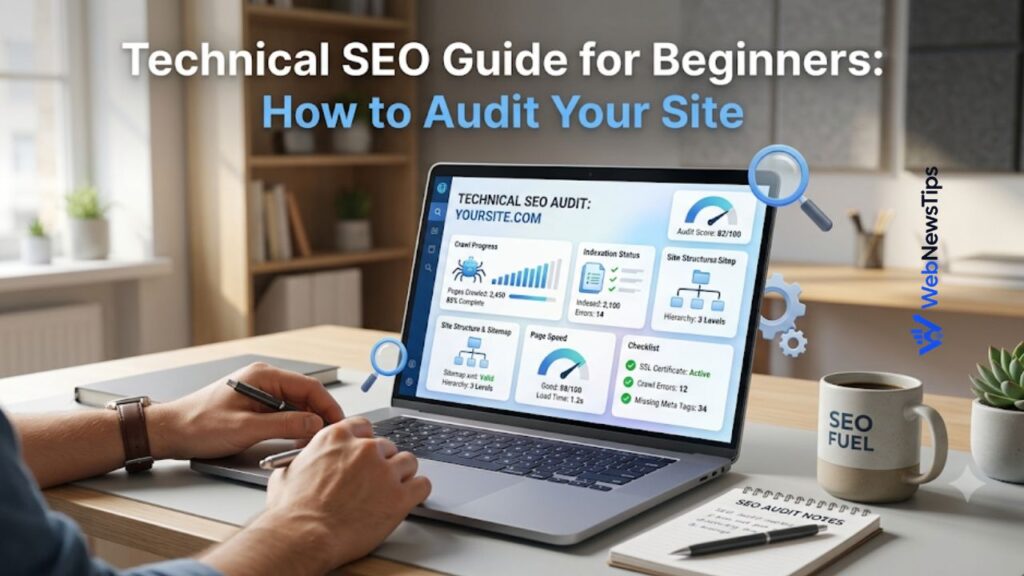
Technical SEO can sound complicated when you are new to website optimization, but the basic idea is simple: make your website easy for search engines to crawl, understand, and index, while keeping it fast and user-friendly for visitors. If your content is strong but your pages load slowly, links are broken, or important pages are blocked from search engines, your site may struggle to perform. That is why every website owner should learn how to run a simple technical SEO audit.
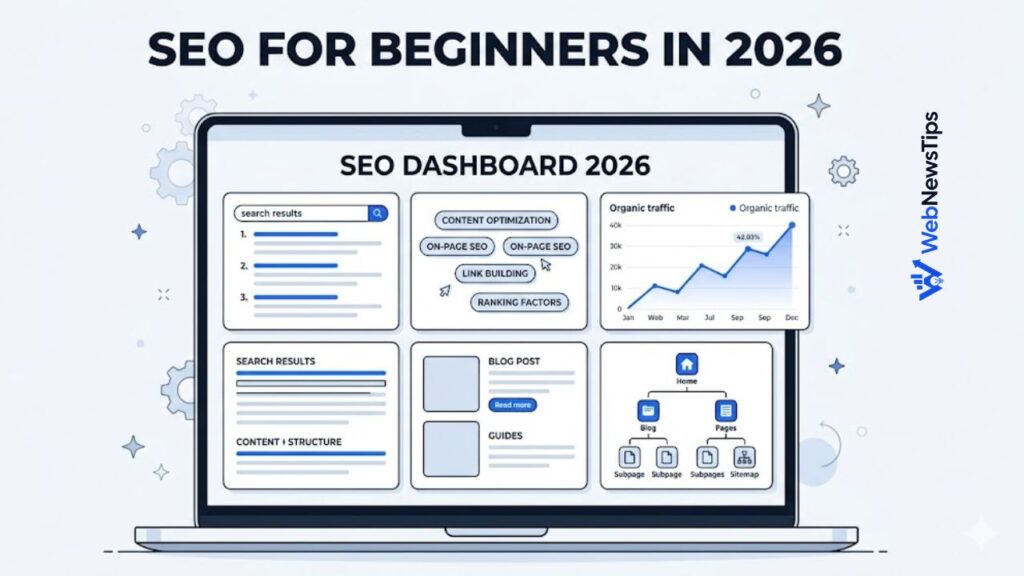
A technical SEO audit is not only for developers. Bloggers, small business owners, freelancers, and WordPress beginners can also check the most important issues with a clear process. If you are completely new to search optimization, start with this SEO for beginners guide first, then use this audit guide as your practical next step.
What Is Technical SEO?
Technical SEO is the part of SEO that focuses on the technical health of your website. It helps search engines access your pages, read your content, understand your structure, and decide which version of a page should appear in search results.
Think of your website as a shop. Content is what you sell, design is how the shop looks, and technical SEO is the road, doorway, shelves, labels, and lighting that help people and search engines find what they need. A beautiful shop with locked doors will not get many visitors. In the same way, a helpful blog post may not rank well if search engines cannot discover or understand it properly.
Step 1: Check Whether Search Engines Can Crawl Your Site
Crawling means search engines send automated bots to discover your pages. If crawling is blocked, your content may never be found. Start your audit by checking your robots.txt file. This file usually appears at yourdomain.com/robots.txt and tells bots which areas they can or cannot crawl. A common beginner mistake is accidentally blocking the whole site with a rule such as “Disallow: /”.
Next, review your internal links. Search engines discover many pages by following links from one page to another. Important pages should not be hidden deep inside your site with no internal links pointing to them. Your homepage, categories, menus, related posts, and important guides should create clear paths. Use your main navigation for high-value pages and add contextual links inside articles where they naturally help the reader.
Step 2: Confirm That Important Pages Are Indexed
Indexing means a search engine has stored a page and may show it in search results. A page can be crawlable but not indexed if it has low value, duplicate content, noindex tags, canonical issues, or technical errors. For a basic check, search Google with site:yourdomain.com and review whether important pages appear. For a more accurate view, use Google Search Console and inspect specific URLs.
During your audit, separate pages into three groups: pages that must be indexed, pages that should not be indexed, and pages you need to improve before indexing. Your homepage, service pages, useful blog posts, category pages, and important tools usually belong in the first group. Login pages, thank-you pages, thin tag archives, and duplicate filter pages often belong in the second group. This simple sorting makes indexing decisions much easier.
Step 3: Review Your Site Architecture
Site architecture is the way your pages are organized and connected. A clear structure helps users move around the website and helps search engines understand which pages are most important. For beginners, the best structure is usually simple: homepage, main categories, subcategories if needed, and individual posts or pages. Avoid creating too many unnecessary layers. A visitor should be able to reach important content in just a few clicks.
Create a quick list of your main pages, blog categories, tool pages, and important articles. You can use the Sitemap URL List Generator on WebNewsTips to organize URLs before planning your internal linking structure. Once you see all URLs in one place, it becomes easier to find orphan pages, duplicate topics, weak categories, and pages that need stronger links.
Step 4: Audit URL Structure and Slugs
Good URLs are short, readable, and related to the page topic. A beginner-friendly URL should help users understand the page before they even click. For example, /technical-seo-guide-beginners/ is much clearer than /post?id=9321. Use lowercase letters, hyphens between words, and avoid unnecessary dates, symbols, and long strings.
When creating a new blog post, choose a slug that includes the main topic without stuffing keywords. If your title is long, shorten the slug to the core phrase. For example, the title “Technical SEO Guide for Beginners: How to Audit Your Site” can become “technical-seo-guide-beginners.” You can also use the Slug Generator to turn long titles into clean, SEO-friendly URLs before publishing.
Step 5: Check Page Speed and Core Web Vitals
Website speed affects user experience. If pages take too long to load, visitors may leave before reading your content. Start with basic checks: compress large images, use a reliable hosting provider, reduce unnecessary plugins, remove unused scripts, and enable caching where possible. WordPress websites often become slow because of heavy themes, too many plugins, unoptimized images, and third-party scripts added over time.
Core Web Vitals focus on loading performance, interactivity, and visual stability. You do not need to understand every technical term at the beginning, but you should know what to look for: pages should load quickly, buttons should respond without delay, and the layout should not jump around while loading. Test important pages such as the homepage, main service pages, and top blog posts. Fixing one template issue can improve many pages at once.
Step 6: Make Sure Your Site Is Mobile-Friendly
Most users browse websites on mobile devices, so your audit must include mobile usability. Open your website on a phone and check the basics. Is the text easy to read? Are buttons large enough to tap? Does the menu work properly? Are images responsive? Does the page fit the screen without horizontal scrolling? A site can look good on desktop but still feel difficult on mobile.
Mobile SEO is not only about design. Popups, slow-loading banners, oversized images, and sticky elements can make a page frustrating. Keep your layout clean, use readable font sizes, and make sure important content appears without too much distraction. A beginner-friendly website should feel simple, fast, and easy to use on every screen size.
Step 7: Fix Broken Links and Redirect Problems
Broken links create a poor user experience and waste crawl paths. A broken internal link may lead visitors to a 404 page instead of the content they expected. During your audit, check links in menus, footer sections, blog posts, category pages, and buttons. If a page has been deleted, either restore it, redirect it to the most relevant page, or remove the broken link.
Redirects are useful when a URL changes, but too many redirect chains can slow users and confuse search engines. A clean redirect sends users from the old URL directly to the best new URL. Avoid redirecting every old page to the homepage unless the homepage is truly the most relevant destination. Relevance matters because users should still land on content that matches their intent.
Step 8: Review Titles, Meta Descriptions, and Headings
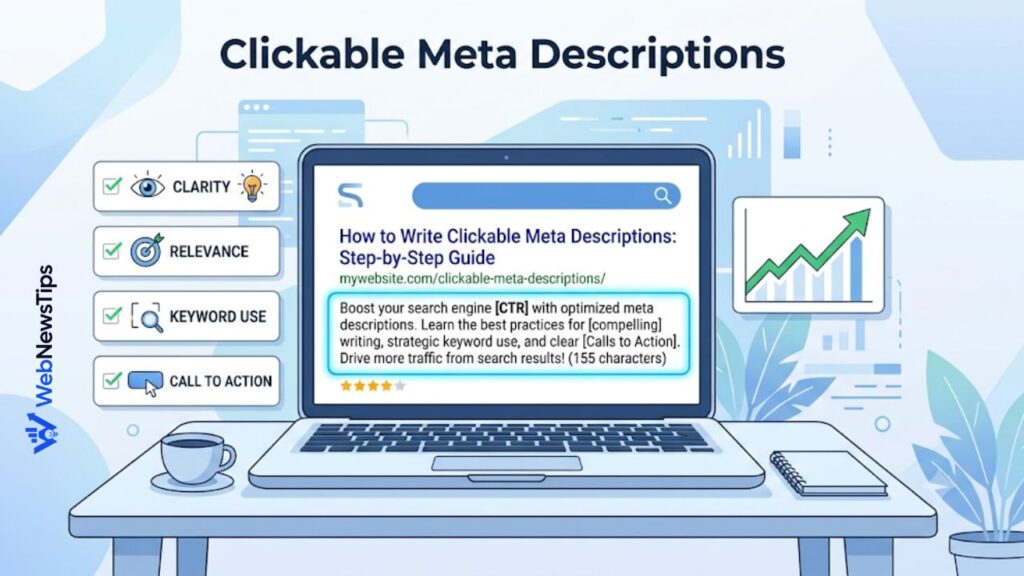
Technical SEO and on-page SEO often work together. Each important page should have one clear H1 heading, helpful subheadings, a unique SEO title, and a useful meta description. These elements help both users and search engines understand the page topic. Avoid duplicate titles across many pages because they make your content harder to distinguish.
Use a practical workflow before publishing. Check your headline with the SEO Title Checker, create a clear search snippet with the Meta Description Generator, and review keyword balance with the Keyword Density Checker. These tools do not replace good writing, but they help beginners avoid common mistakes such as titles that are too long, vague descriptions, or forced keyword repetition.
Step 9: Check XML Sitemaps and Important Files
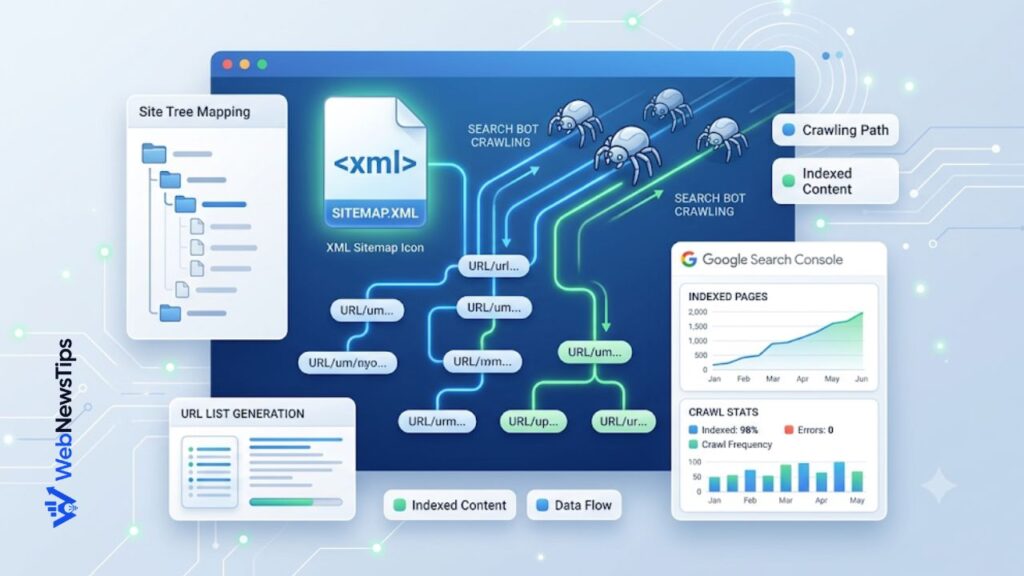
An XML sitemap is a file that lists important URLs on your website. It helps search engines discover pages more efficiently, especially on larger sites or websites with pages that are not strongly linked yet. Most SEO plugins can create a sitemap automatically. Your job is to check that the sitemap includes valuable pages and does not include private, duplicate, thin, or low-value URLs.
Also check that your website uses HTTPS. A secure site protects visitors and builds trust. In most cases, your site should redirect the non-secure HTTP version to the secure HTTPS version. You should also choose one preferred version of your domain, such as www or non-www, and keep it consistent with redirects and internal links. Consistency helps prevent duplicate versions of the same content.
Step 10: Add Structured Data Where It Makes Sense
Structured data is code that gives search engines extra context about a page. For beginners, the most common types are Article, FAQ, Breadcrumb, Product, Local Business, and Organization schema. You do not need to add every type of schema to every page. Only use structured data that matches the real content on the page.
For example, a blog post can use Article schema, a business page can use Local Business schema, and an FAQ section can use FAQ schema if the questions and answers are actually visible on the page. Many WordPress SEO plugins can add basic schema automatically. Still, it is worth testing important pages to make sure the markup is valid and not misleading.
Step 11: Find Orphan Pages and Weak Internal Links
An orphan page is a page that exists on your site but has no internal links pointing to it. Search engines may still find it through a sitemap, but users and crawlers will have a harder time reaching it naturally. Orphan pages often happen when old posts are published and forgotten, service pages are created outside the main menu, or landing pages are not connected to the rest of the site.
Add internal links from related articles, category pages, and resource pages. For example, if you publish content about keyword research, technical SEO, and blogging tools, connect those pages naturally so readers can continue learning. The Blog Idea Generator can help you plan related topics, while the Free Tools hub can support articles that mention SEO writing, titles, slugs, and website planning.
Simple Technical SEO Audit Checklist
Use this checklist whenever you audit a beginner website:
- Check robots.txt and make sure important areas are not blocked.
- Review Google Search Console for indexing errors.
- Confirm important pages are indexed.
- Organize your site architecture and main categories.
- Use short, readable, keyword-focused slugs.
- Improve page speed, image size, caching, and plugin load.
- Test your website on mobile devices.
- Fix broken links, 404 pages, and redirect chains.
- Create unique SEO titles and meta descriptions.
- Check your XML sitemap and remove low-value URLs.
- Use HTTPS and one preferred domain version.
- Add structured data only where it matches the page.
- Strengthen internal links and remove orphan pages.
- Repeat the audit regularly, especially after redesigns or plugin changes.
How Often Should You Audit Your Site?
A small blog or business website does not need a full technical audit every week. However, you should check basic issues monthly and run a deeper audit every three to six months. You should also audit your site after major changes such as a redesign, theme change, migration, new SEO plugin setup, large content update, or hosting change. Many ranking problems start after a technical change that looked harmless at first.
Keep a simple spreadsheet or document with audit dates, issues found, fixes completed, and pages still needing work. This habit helps you avoid repeating the same mistakes. Technical SEO becomes easier when you treat it as regular maintenance instead of a one-time emergency task.
Conclusion
Technical SEO does not have to be scary. As a beginner, focus on the fundamentals: make your site crawlable, index the right pages, keep your structure simple, use clean URLs, improve speed, fix broken links, maintain a helpful sitemap, and connect related pages with strong internal links. These actions create a strong foundation for better visibility in search results.
The best approach is to audit one section at a time. Start with crawling and indexing, then move to structure, speed, mobile usability, metadata, and internal links. With consistent checks and beginner-friendly tools from WebNewsTips, you can keep your website healthier, easier to use, and better prepared for long-term SEO growth.